Final Cut Pro for Beginners: 10 Basics to Learn First
yuu
Oosawano BASE


Disclosure: This post contains affiliate links. If you sign up through them, I may earn a commission at no extra cost to you.
This is the English edition of my Japanese article, updated for November 2026.
Hi, I’m Yuu from Oosawano BASE.
For about a year, I waited for automatic captions to come to Final Cut Pro. When they finally showed up in 2024, they didn’t come from Apple. They came from MotionVFX, as mCaptions inside DesignStudio. (I may have jumped out of my chair.)
Now it’s 2026, and Final Cut Pro has its own captions too. So which one should you use? Here’s the current picture, plus my honest experience with mCaptions.
Final Cut Pro 12.3 (June 2026) added Generate Captions. For now it supports US English only and runs on Apple silicon Macs. If that matches your videos, it’s the obvious first stop: no extra plan, no extra app.
For the basics of working with titles and captions in Final Cut Pro, see my titles and captions how-to.
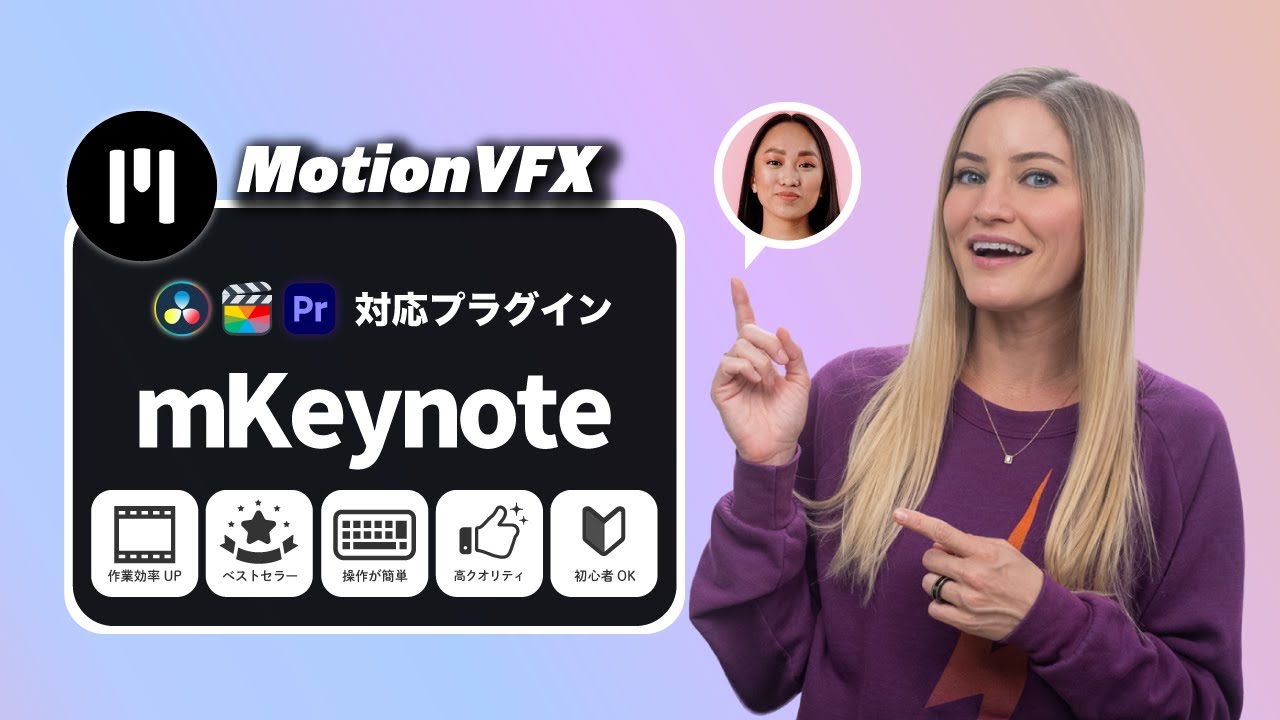
mCaptionsAI (originally called mCaptions) generates captions right inside Final Cut Pro. It supports more than 90 languages and comes with 86 caption styles, and you can customize fonts, colors and animation. That freedom honestly makes captioning kind of fun.
The biggest plus for me was simple: no more bouncing between Final Cut Pro and apps like Vrew just to get captions. That alone takes a lot of stress out of the job.
It isn’t sold on its own. You get it with DesignStudio ($29/month before tax), or with Ultimate ($69/month), which adds CineStudio. There’s a 14-day free trial that turns into a paid plan unless you cancel.
It installs through the free mExtension app (macOS Ventura 13.6.9 or later, Final Cut Pro 10.6.5 or later, Apple silicon recommended). When I installed it, the download was around 500MB, so check your free space. Afterward, a new icon showed up in Final Cut Pro.
Quick note first: I tested it in Japanese, back in late 2024 and early 2025. Japanese is tough for any captioning tool (so many words sound alike), and the tool may have improved since. Keep that in mind.
It worked right away. Accuracy was so-so: small errors here and there, and stray spaces. Having worn out the transcription tools in Premiere Pro, DaVinci Resolve, Vrew and CapCut, I wanted it to be just a bit better. For short clips, or when the speaker isn’t very clear, typing by hand could even be quicker and more accurate.
Still, my first verdict was “good enough, and I’m using it.” Jumping between apps just to make captions is a real pain. Doing full captions in Premiere back in my full-time editing days was rough (tears).
After about two months of real use, my verdict changed: honestly, it wasn’t quite good enough yet. Sometimes it was great, but there were a lot of fixes. Premiere was faster for me, and for fully captioned videos, Vrew probably was too. And if the speaker mumbles, the output turns into nonsense.
To be fair, every tool starts out like this. Premiere and DaVinci Resolve were rough at first too, and so was Vrew.
If you’d use DesignStudio for its titles anyway, mCaptionsAI is a nice bonus rather than the only reason to subscribe. My DesignStudio review covers the rest of the plan.
I’m just happy that Final Cut Pro users finally have real caption options without hopping to another app. I love Apple, and to me Final Cut Pro is the best editor out there.
Compare the plans on the MotionVFX pricing page, and see my favorite MotionVFX plugins for what else is inside DesignStudio.
Happy creating!